Vitalsleuth Help - subscription required
Using App Features
- 01
Use Subscription
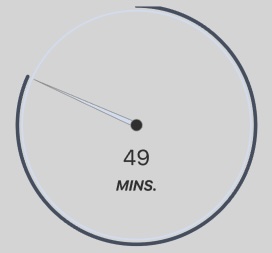
Get activity updates from your contact. The timer resets periodically when activity is detected, and you will receive an alert if there is prolonged inactivity.
- 02
Dashboard
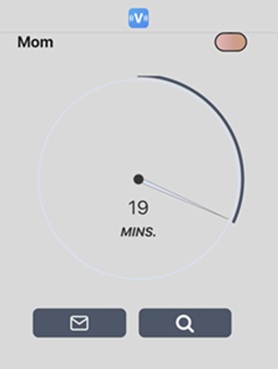
Use the buttons below the timer to view notifications (envelope) or to send a checkup request (magnifying glass).
- 03
Checkup Requests
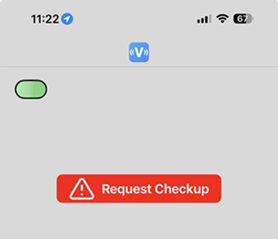
The person you monitor can request a checkup by tapping the 'Request Checkup' button.