Vitalsleuth Help
Manage Alert Settings
- 01
Activity Thresholds
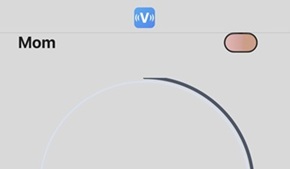
After you purchase a subscription, an oval-shaped indicator in the top-right corner of the app changes color to show different inactivity thresholds.
- 02
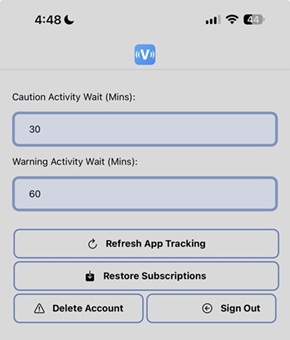
Update Thresholds
You can customize when the caution (yellow) and warning (red) alerts appear by adjusting the time interval (in minutes) on the Settings screen.